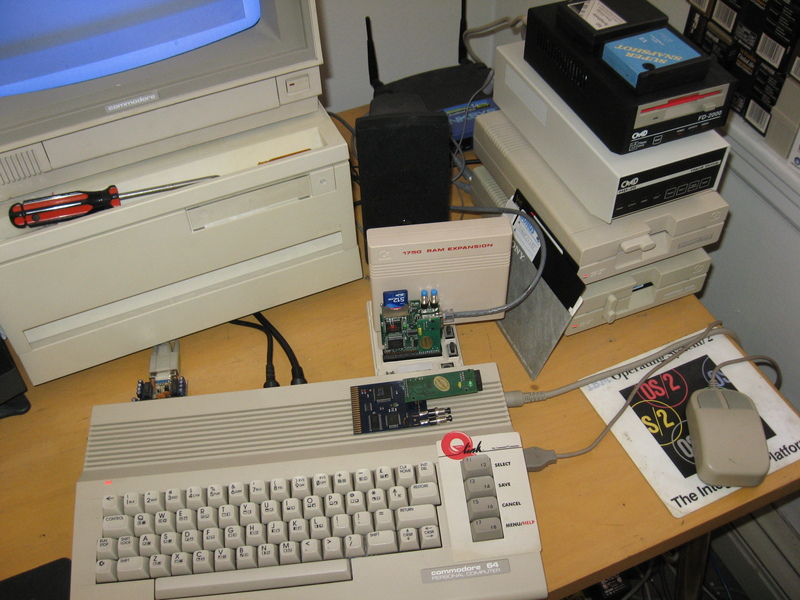
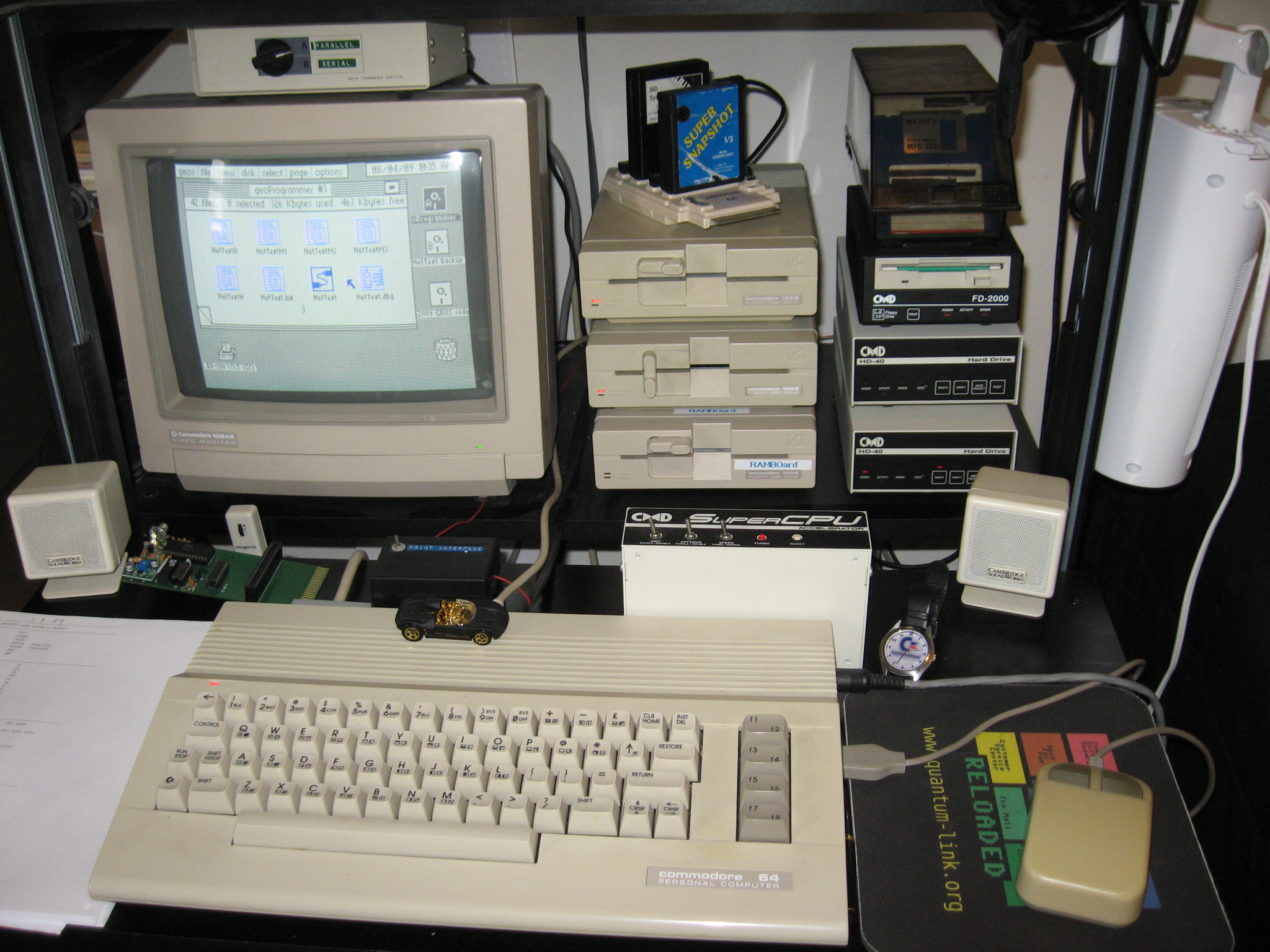
Here is a picture of my main setup (click to view at high resolution). The machine is a 64C, a later model with a redesigned case. Connected to it at the right rear is a Super CPU. This is an accelerator made by a great company called CMD (they left the Commodore market in 2001). It lets the machine run at 20 MHz by providing a 65C816 processor (instead of the standard 6510 that runs at 1 MHz). Plugged into its rear side (not visible) is a CLD Super1750 Clone RAM expansion unit (REU) that gives the machine a whopping 512K of additional memory (although it's not directly addressable).
The monitor is a 1084S, made for the Commodore Amiga. It has a beautifully crisp display (on which you can see the GEOS operating system), and stereo audio inputs (although I use a set of PC speakers for this machine). The device not plugged in on the left is one of Mangelore's stereo SID Cartridges, and the Aprospand port expander on top of the floppy drives holds a SuperSnapshot (hideously powerful hardware debugger), and a SID Symphony stereo cartridge.
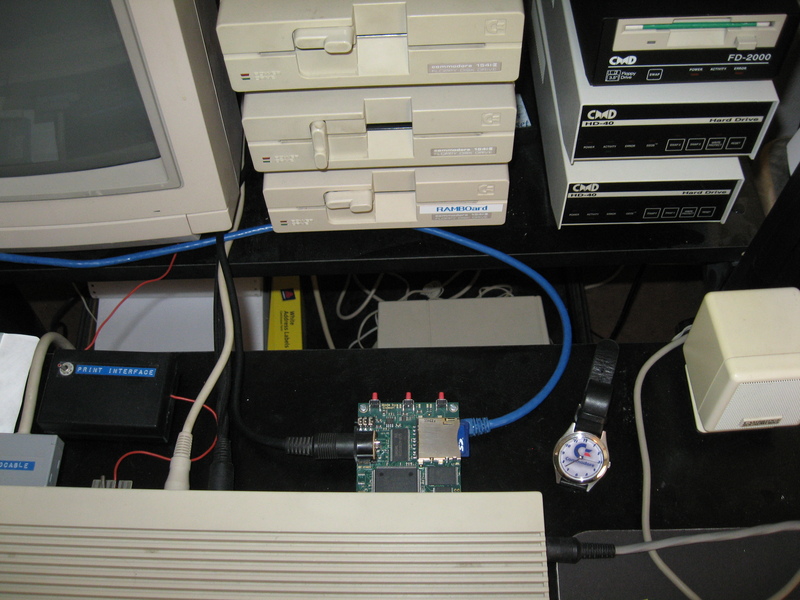
To the right of the monitor are the disk drives. Commodore drives were unusual in that they had their own CPU, ROM, and RAM. Half the operating system actually resided in each peripheral, which communicates over a serial bus. You can even send machine code to the drive's RAM, followed by the commands to execute it in place (for those times when you need to code "right down on the bare metal"). The drives on the left are Commodore 1541-IIs (single-sided 5 1/4" floppy drives): the top two are fitted with a replacement ROM called JiffyDOS (also from CMD), and the one on the bottom is fitted with a "RAMBOard" unit that gives it an extra 8K of memory (enough to buffer a full track at a time; useful for copying, shall we say, difficult-to-copy software). See my hardware page for more info on the RAMBOard, including pictures of the disassembled drive showing how it was installed. On the right (under the disk house), from top to bottom, are a CMD FD-2000 floppy drive and a pair of CMD hard drives.
For an exhaustive analysis of the inner workings of the 1541 drive, one of the best resources is Inside Commodore DOS. Another good source, if you can find it, is Abacus' Anatomy of the 1541 Disk Drive. While the Abacus book has complete ROM disassemblies, Inside Commodore DOS has better commentary, indicating the ROM addresses every few paragraphs and even including address symbols. There's also an excellent cross-referenced disassembly by a German group called The Dreams.
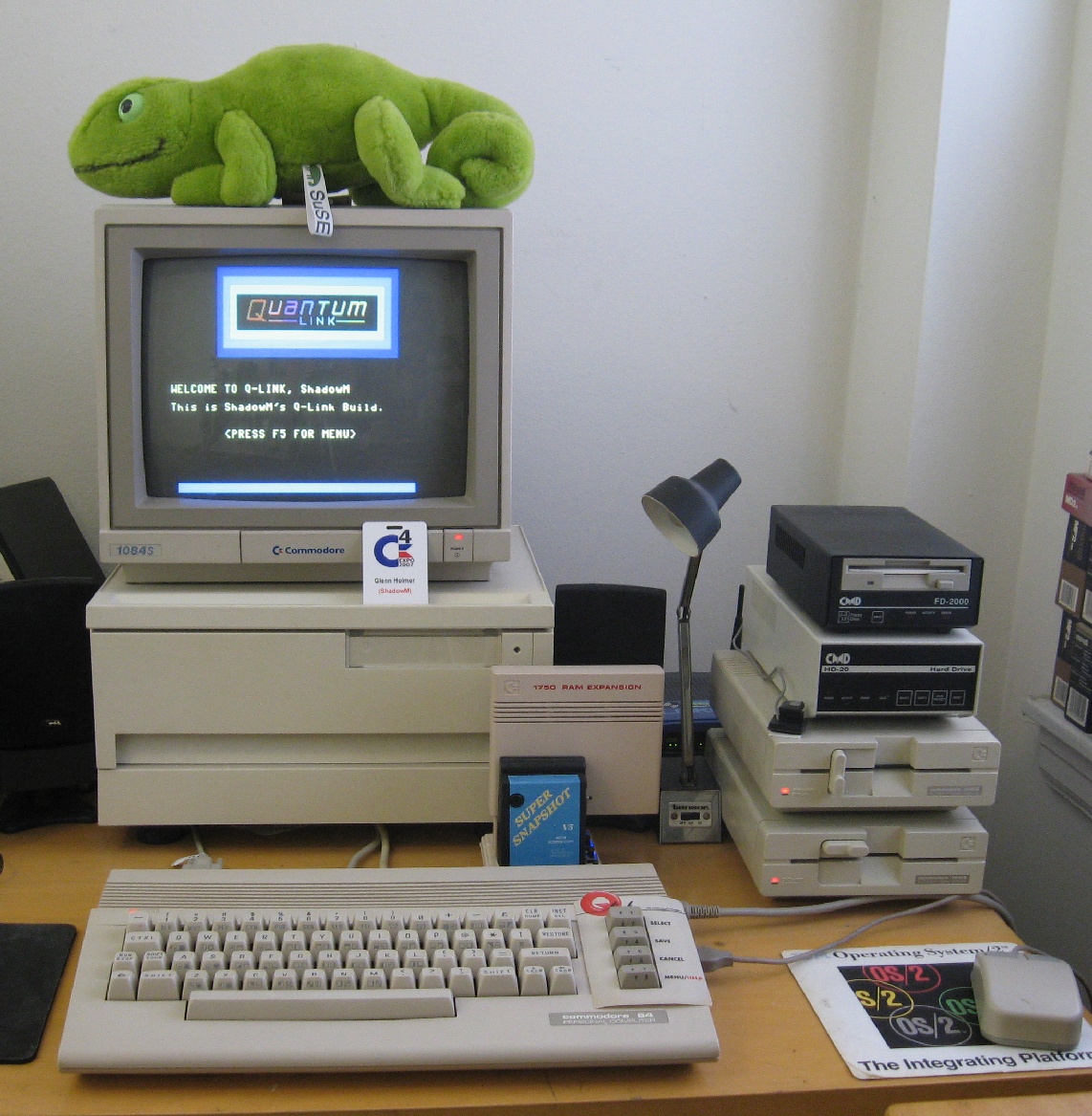
This is the machine I use for debugging. The setup is similar to that in the picture on the left, but on this machine, I keep a SuperSnapshot plugged in all the time (to an Aprospand). There's also a serial bus reset switch sitting on top of the 1541s.
Geeko, the ever-faithful SUSE Linux mascot, keeps watch atop the monitor. This is necessary because the disk house that the monitor is sitting on contains some fabulously rare hardware, including my TurboMaster and much of my cartridge collection.
You can't see it, but one of Doppelganger's RS-232 boards (from Jim
Brain's design) is poking out the user port, connected by a null modem
cable to my test PC, which is out of frame to the left. The PC, which
currently hosts over a dozen operating systems, is named "shoggoth"
for obvious reasons. I use it to run Jim's tcpser in
order to send serial data out to the internet. The PC is also fitted
with an XM1541 card so I can use it to make D64s on yet another
1541-II connected to his parallel port.
Another interesting thing I play around with from time to time is putting the Commodore into 80-column mode and using it as a Linux serial terminal. Believe me, you haven't lived until you've run emacs on a Commodore 64!
For distros using inittab, edit /etc/inittab on the
Linux box and add a line like this (may vary by distro):
S0:12345:respawn:/sbin/agetty -L 1200 ttyS0 vt100then issue
init q to force the system to reread it.
For distros like Ubuntu that
use Upstart, create a file
in /etc/init named ttyS0.conf that looks
something like this. To start it up,
enter start ttyS0. Remember to stop it again and move the
file to a safe place if you need to use the serial port for something
else
(e.g. tcpser).
Make sure to use a null modem cable between the two machines. I've mostly done this with Novaterm, but I'm working on getting it to work more reliably with a BI-80 card and Kermit (which supports it). My goal is to get both 80 columns and 2400 baud working at once.