ShadowM's Commodore GEOS Page
(last updated 2010-12-04) |
ShadowM's Commodore GEOS Page(last updated 2010-12-04) |
|
On this page you can find everything you need to use GEOS: the operating system and applications (all cracked), programming tools and tips, and a few miscellaneous goodies. I plan to continue expanding this section of the site, so if there's something you're looking for, email me (shadowm at lyonlabs.org) and I'll see if it's in my collection.
The files on this page can be previewed online using Jonno Downes' tool, peekbot. Here's a peekbot link to all the files on this page.
In April 2010, I released geoLink, an IRC client for GEOS. If you'd like to hack on it, the page at that link contains source code, build instructions, and a PDF of a presentation about the internals.
The Toronto Pet Users Group (TPUG) is now selling CDs of their disk library, which was two years in the making. I highly recommend it to GEOS users, as there are 57 D64 images of GEOS software on it (including over two dozen font disks).
Another great resource is the geoSpecific CD, which you could spend years exploring. This is the ultimate GEOS collection and is still available. The nice thing about geoSpecific is that there are HTML indexes that you can read on your PC. It's well worth the asking price.
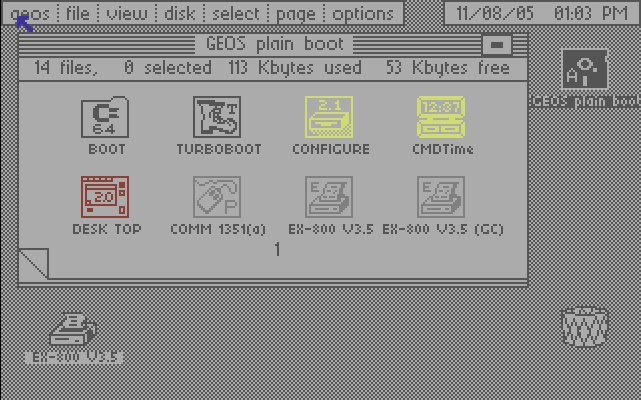
GEOS desktop (click for full size)
Here's what you can find here:
GEOS operating system images
GEOS device drivers
GEOS applications
GEOS manuals
GEOS Programming Tools
GEOS Programming Tips 'n' Tricks
High-Level Programming Languages for GEOS
Miscellaneous
GEOS is a disk-based GUI operating system with proportional fonts for the Commodore 64, and was a remarkable achievement for its time (1986). It includes features still considered modern, like the ability to double-click a data file and have it load in its parent application regardless of name (i.e. no file extensions). In fact, you can rename the parent application and it will still be found (by its "permanent name string"). It also has extensive drag and drop capability (e.g. drag a data file to the printer icon to print it, to a disk icon to copy it, to the trashcan to delete it). Later enhancements made it possible to use RAM expanders, CPU accelerators, hard drives, and more. (The 1541 Ultimate works well with GEOS.) The only thing we're really missing currently is a disk driver for Jim Brain's uIEC boards. If you are interested in disassembling the GEOS turbo code and porting it to that device, there is a discussion group.
A word about resources: GEOS pushes the Commodore 64 to its limits as far as hardware and memory usage are concerned; little bits of code and data are constantly being swapped in from disk. You can run it with a single 1541 drive, but a 1541 and a 1581 or CMD FD are better, and a CMD HD is a joy to use (and well supported). An even faster solution is to get a RAM expansion unit (REU), and set it up as a RAMdisk using the CONFIGURE program. You can work from the RAMdisk and copy your data back to the "real" disk every so often during your session; the speed is really amazing even without an accelerator like the TurboMaster or SuperCPU. Note that if you are using more than one type of drive without an REU, you will need to have a copy of CONFIGURE on every disk that contains the deskTop (see GEOS 2.0 manual, page 27). This is because the disk drivers are normally loaded from CONFIGURE, but if you have an REU, they are cached there. This is one of the reasons why an REU is strongly recommended to work with GEOS.
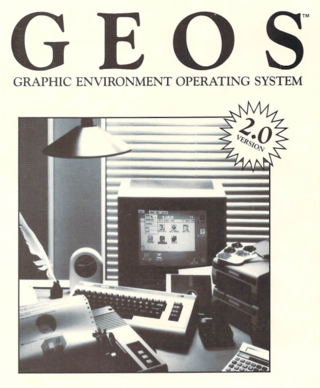
Here's a bootable D64 image of GEOS, made with my modification of a utility by Paul Bosacki. It's configured for a single 1541 drive, but you can change that by double-clicking the CONFIGURE icon (an REU is strongly recommended). Mouse goes in port one (closest to you as you face the computer). This image will also boot from an SD card in a 1541 Ultimate. The kernel has been patched to fix the extra pixel on one side of the lower-case 'z', and to try and recover to the deskTop on a crash. (Also, the kernel image was built from a running copy whose keymap had been changed to match that of a PC. If you'd like me to build you an image with standard Commodore key mappings, just ask.) This image also includes a utility (QUIKPIK/QUIKSTASH) to automatically copy files to a RAM drive at boot time if so configured.
For those who own the almost impossible to find SuperCPU, try this image, which contains the SuperCPU kernel patches (it's an autoexec). If you have the SuperCPU manual, you can use the original "SuperInstall" program from CMD's SuperCPU utilities disk to make your own.
CMD released a GEOS utility disk (D64 image) with their hard drives (which are of course no longer available and fabulously rare even on eBay). This includes a patched version of CONFIGURE that includes disk drivers for the CMD devices.
I've also got the CMD RAMLink utilities disk; on the other side is a copy of gateWay.
The final "official" version of GEOS (2.5) was only released in Germany (see Bo Zimmerman's FAQ). Its main feature is the replacement of the deskTop with TopDesk 1.2, a shell with movable, resizable windows. This D64 image is a bootable copy (note that all the text is in German).
This D64 image contains device drivers for GEOS, including input drivers (mouse, light pen, Koala Pad, even the SuperSketch tablet) and a wide variety of printer drivers. There are more in my collection, so if there's something specific you're looking for, drop me an email.
CMD made a "smart mouse" that had a real-time clock; here is a D64 image of the disk that came with it.
This geoWrite disk image (see GEOS 2.0 manual) contains:
Here's a collection of almost 100 GEOS fonts, in D64 images. If you put more than eight fonts on your geoWrite disk, you'll want to grab the geoWrite disk image above, which contains a desk accessory to choose which eight will appear in the menu.
I had a request for geoSpell, so here it is in all its glory. The disk image contains geoSpell, geoDictionary, and geoFont.
Here's a D64 image of geoPaint (see GEOS 2.0 manual), with some utilities for image conversion, photo scrap manipulation, etc. geoGIF (see below) is on this disk too.
Here's a D64 containing geoGIF, a utility that can convert .gif files to geoPaint files. I've included a .gif of a photo I took, scaled down and then converted to a geoPaint image.
This D64 contains geoCalc (spreadsheet) and geoChart (charting tools).
This D64 contains geoFile (database) and geoMerge (mail merge).
These are D64s of geoPublish (desktop publishing), side A and side B. Between the two sides, you'll find geoPublish and its master page libraries, geoPubLaser, some LW and Mega fonts, the Text Manager, and the Text Grabber (for importing other Commodore word processing formats).
Perfect Print was an interesting hack for geoWrite that depended on interpolating printer drivers and special fonts, and produced high-resolution printouts on dot-matrix printers using multiple passes. Here's the manual.
Here's an entire set of GEOS manuals that DLH scanned.
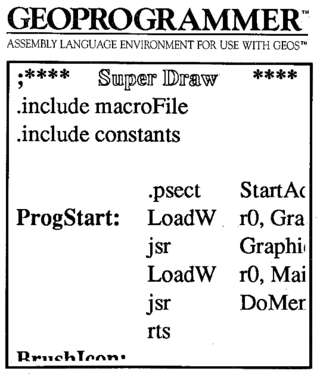
This D64 contains geoProgrammer (geoAssembler, geoLinker, and geoDebugger), along with a few utilities (sector editor, header and icon editors, onscreen ruler, fast file copier). Note that this is the 1.1 version. The 1.0 versions of geoAssembler and geoLinker are known to be buggy: in particular, that version of geoLinker will not correctly assemble a VLIR application, and will sometimes trash the disk as well!
This is the geoProgrammer manual (all 439 pages of it, scanned by DLH). It includes sections on the assembler, linkage editor, and debugger. This is a 28M PDF file.
Here's a D64 of the sample apps that came with geoProgrammer (source code only).
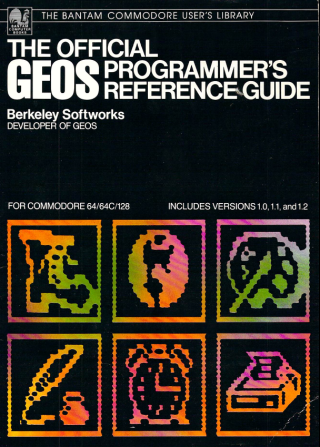
Here is a the official GEOS Programmer's Reference Guide, complete with errata sheets, as published by Berkeley Softworks (scan and OCR by DLH). This is a 35M PDF file.
Here is Alexander Boyce's GEOS Programmer's Reference Guide (text file), a commentary on the GEOS kernel routines that was based on his disassembly of the operating system. This is the version revised by Bo Zimmerman, and replaces Boyce's labels with the official ones from the Berkeley version.
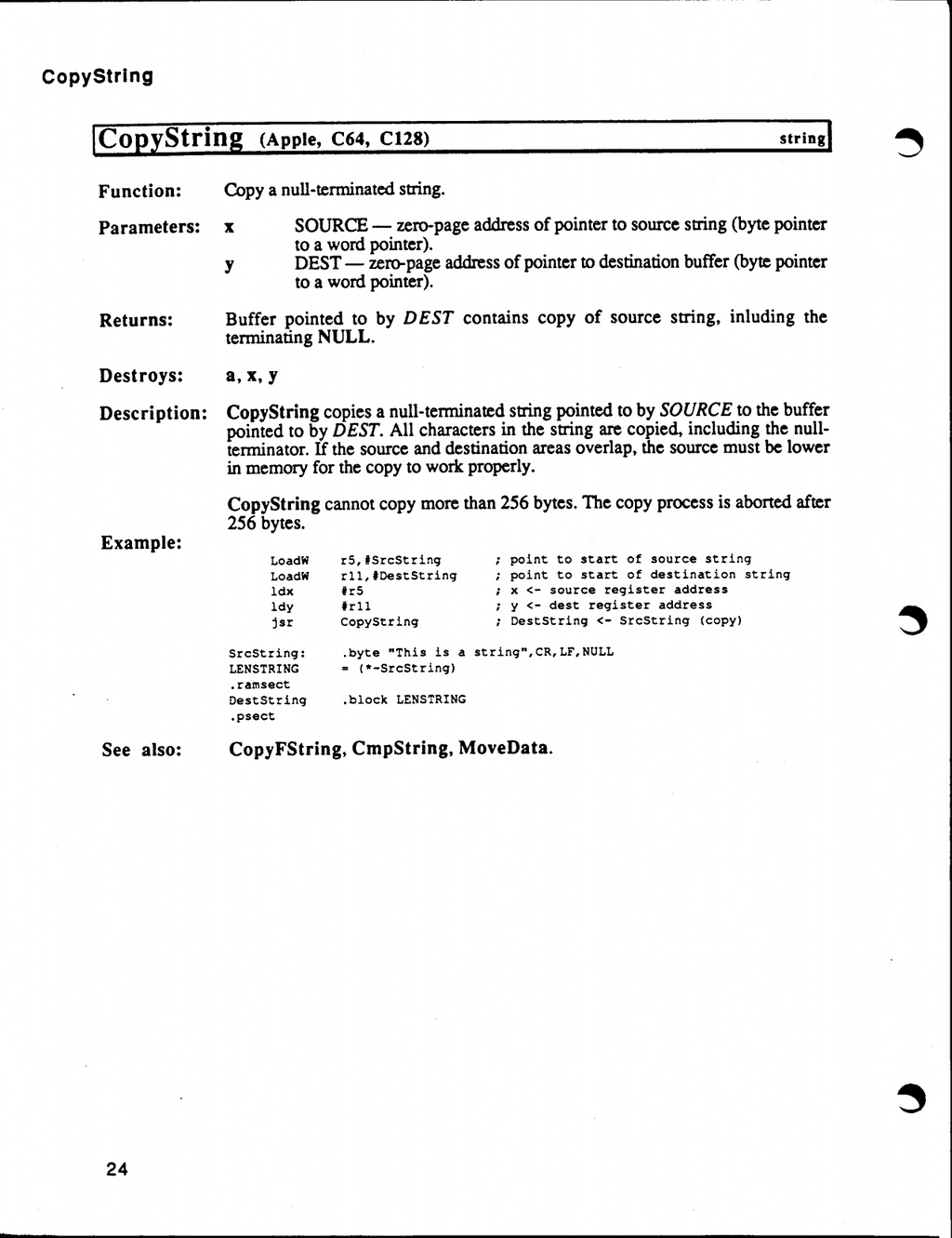
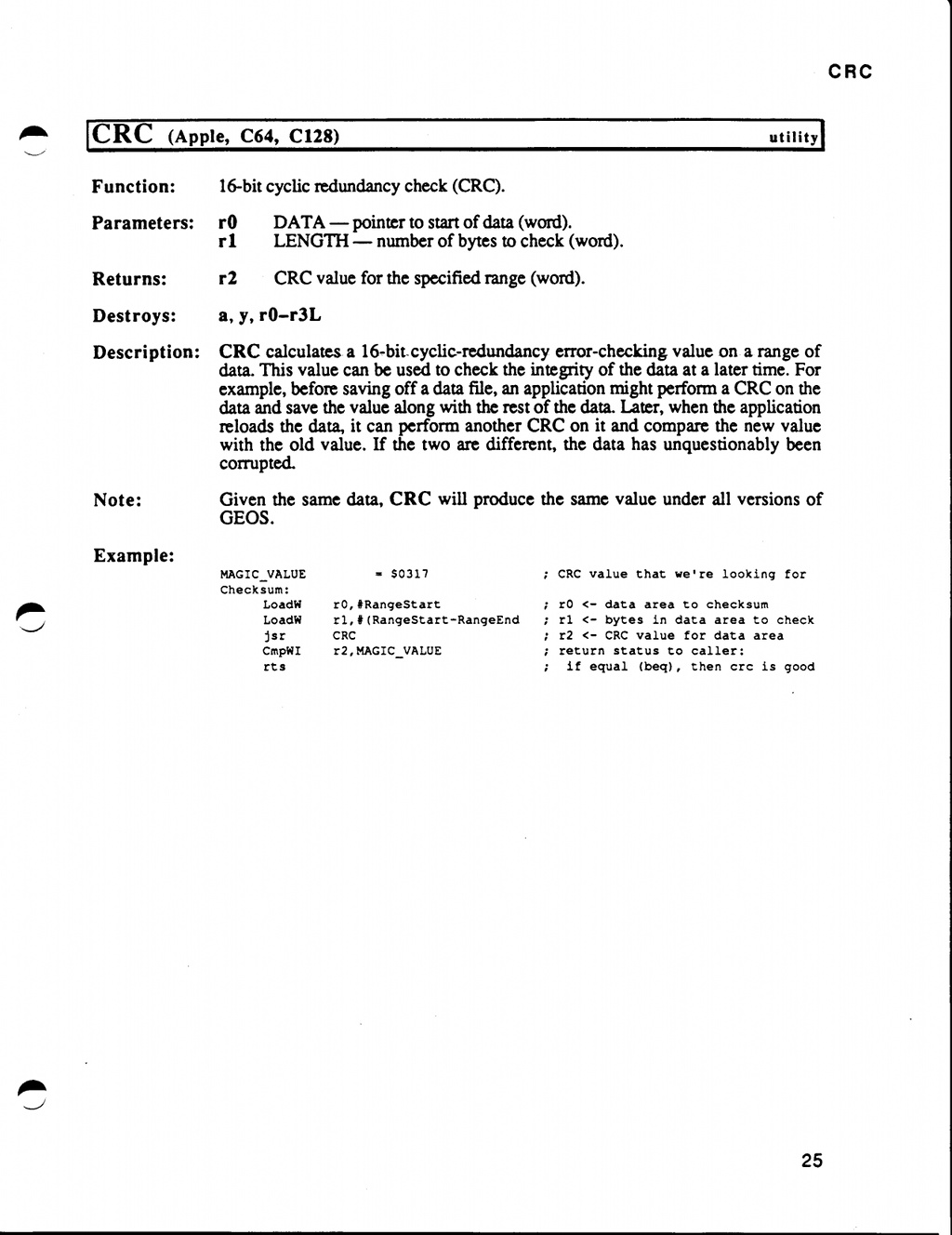
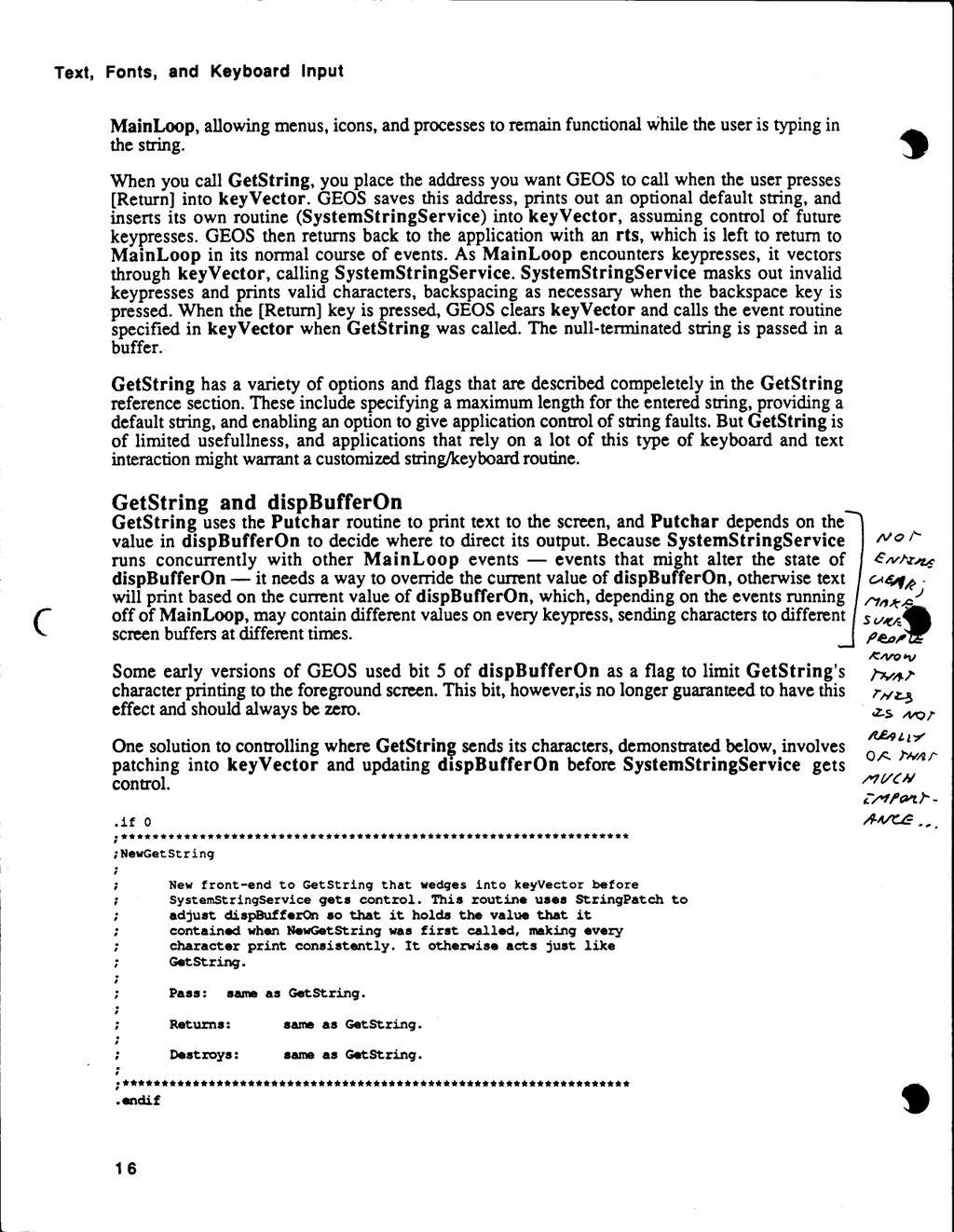
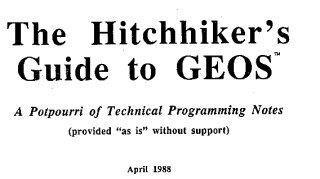
And here is the legendary Hitchhiker's Guide To GEOS (all 568 pages of it), scanned from a photocopy of my precious original by DLH. HHGG is the working copy of a never-published book by Berkeley Softworks. Many pages have edit marks on them, and a few are even stamped "CONFIDENTIAL". This is the ultimate guide to GEOS programming, and includes late additions to the API not present in the above two books (including the REU APIs), as well as information on Apple GEOS. This is a 39M PDF file. Note: it looks like there are a few pages missing from DLH's scan: here are two missing APIs: CopyString and CRC; and here are two missing pages from the section on text and fonts: page 16 and page 17.
If you are interested in studying the kernel, you may find this page by Maciej Witkowiak helpful. It includes a complete disassembly of the GEOS 2.0 kernel, including the 1541 disk driver (follow the "GEOS Sources" link). The site is down at the moment; here's a copy of the tarball containing the source. There's also a mirror here.
I've collected enough GEOS programming tips that it made more sense to move them to a separate page.
There were a few attempts at creating interpreters or compilers for high-level languages in GEOS, but it was a difficult task at best because of the memory constraints. Perhaps the best-known was geoBasic, which was picked up from Berkeley Softworks in an incomplete state and released by RUN magazine. You do not want a copy of this. It is possibly the buggiest software ever written, and is of interest only to entomologists.
Abacus also published a BASIC for use with GEOS, called BeckerBASIC. Here is a D64 of the disk, and here is the manual (scanned by DLH).
Did you know that there were two implementations of the Forth programming language for GEOS? One was by Hank Wilkinson and was known as "Brian"; here are D64 images of side A and side B. There was also one by Nick Vrtis called geoForth.
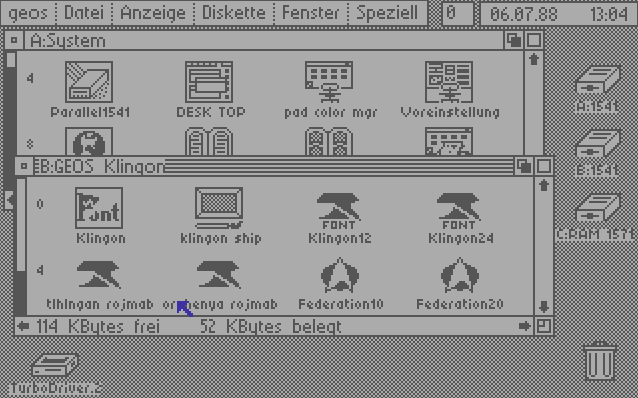
Here's something for Star Trek fans: A D64 image of a GEOS disk containing the Organian Peace Treaty as a geoWrite file... in Klingon (tlhIngan Hol). There's actually a Klingon font on this disk; there's also a nice geoPaint image of a Klingon ship. You can preview this disk on peekbot.